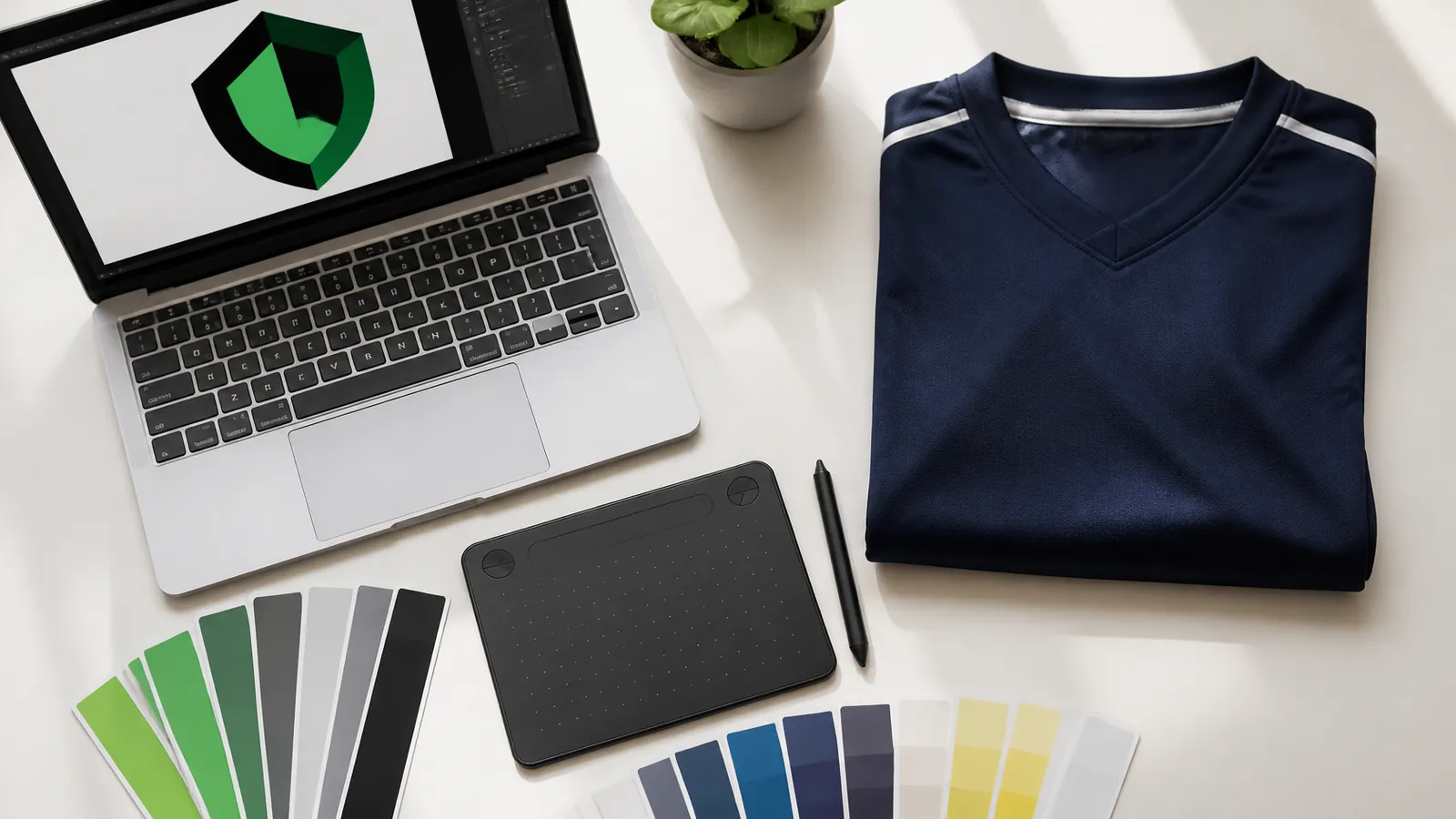
Your crest is the first thing people see on a uniform, so it is worth getting the file right before the mockup stage. Most delays in custom uniform orders are not production problems. They are artwork problems: a logo saved from a website, a photo of a banner, or a file nobody can find the original of.
Vector or raster: the one difference that matters
A vector file (usually .ai, .eps, .svg or a vector PDF) is built from shapes and lines. It can be made as big or as small as needed and stays sharp. A raster file (.png, .jpg, .webp, .heic) is built from pixels. It looks fine at its own size and blurry when stretched.
A chest crest is small, but a back panel, a sleeve stripe or an all-over sublimated pattern is large. If you only have a raster file, send the biggest, cleanest version you have. A 50-pixel logo copied from a web page is the one to avoid.
What suits each decoration method
- Sublimation: the ink becomes part of the fabric, so gradients, photos and many colours are fine. Colours are best given as exact values (hex or Pantone) rather than 'the green from our old jersey'.
- Embroidery: works best with bold shapes and a limited number of solid colours. Very fine lines, tiny text and soft gradients do not stitch cleanly, so a logo may need simplifying for thread.
- Heat transfer: good for numbers, names and solid-colour logos. Fewer colours means a cleaner result.
What to send with your quote request
- The best logo file you have, in as many formats as you can find (vector first, then the largest PNG).
- Your team colours as hex codes or Pantone numbers, if you know them.
- Where each logo goes: chest, sleeve, back, shorts or pants.
- A roster or a list of names and numbers, if you have them.
- A photo of any existing uniform you want to match.
Not sure what you have? Send what you have. Your free digital mockup is the place to find out whether a file works, before you pay for anything.
A quick fix list for common problems
- Blurry logo: look for the original from whoever designed it, or a larger version on your own website's source files.
- Text looks different: ask for the file with text converted to outlines, so no font is missing.
- White box around the logo: ask for a version with a transparent background.
- Only a screenshot or a photo: send it anyway, and say so. It can still be used as a reference for redrawing.
Once the file is right, the rest is simple. You approve the digital mockup, and the order moves to your written quote.